
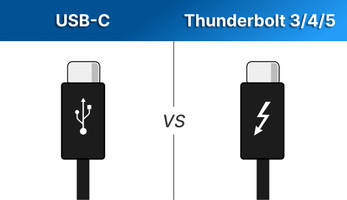
Thunderbolt vs USB-C: What is the Difference?
Posted by Newnex on Mar 20th 2026
USB-C and Thunderbolt are often confused because they use the same connector, but they are not the same technology. While both use the USB Type-C connector, Thunderbolt cables support higher data speeds, additional protocols, and advanced features that standard USB-C cables may not support.
Understanding the difference is important when selecting the right cable for your device, especially for high-performance applications like video transfer, external storage, docking stations, and computer vision systems.
In this guide, we explain the differences between Thunderbolt and USB-C, how they work together, and how to choose the right cable.
What is Thunderbolt?
Thunderbolt 3/4/5 are high-performance interface protocols developed by Intel that uses the USB-C connector.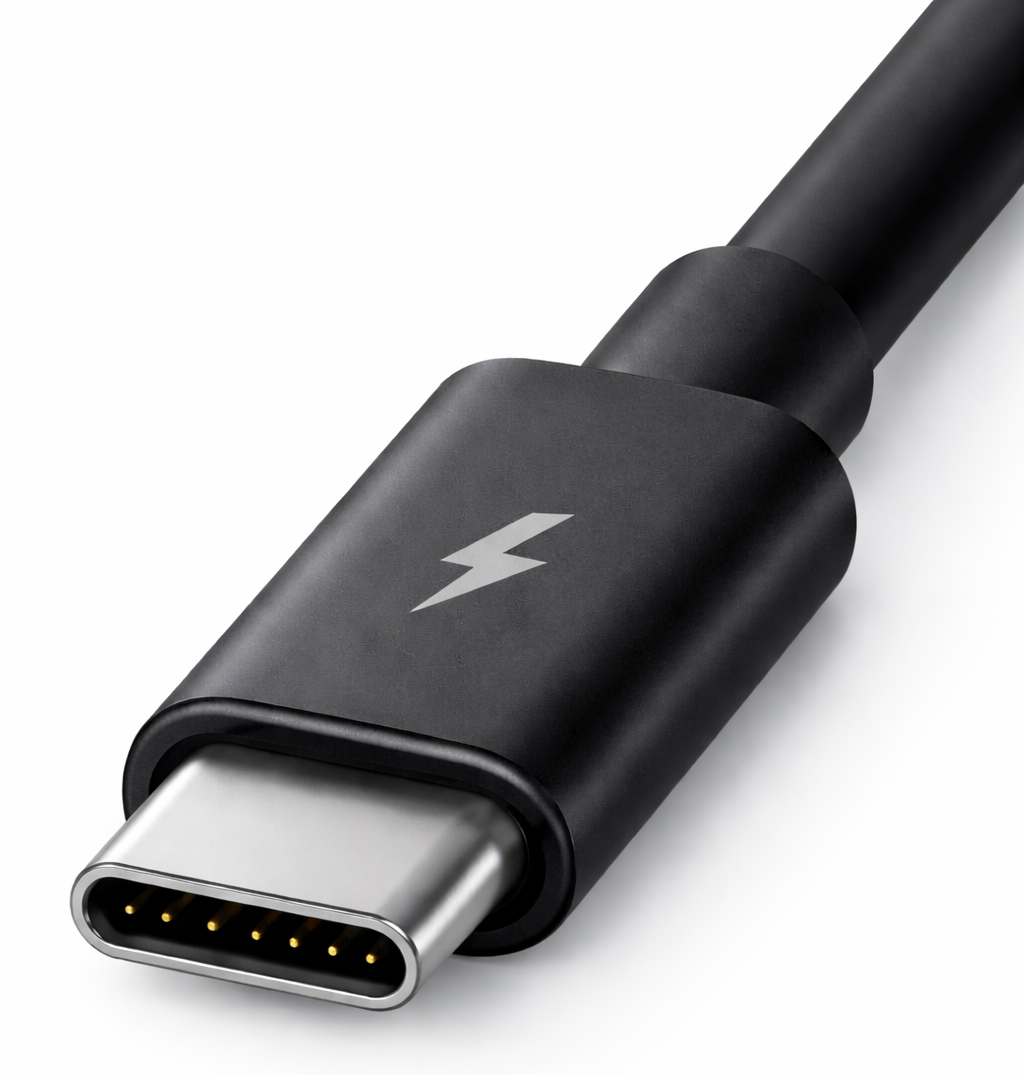
Thunderbolt supports:
- Data transfer up to 80Gbps*
- DisplayPort video output up to 16K
- PCIe data transmission
- Device daisy chaining
- Power delivery up to 240W
Data Rate:
- TB 3: 40 Gbps
- TB 4: 40 Gbps (with stricter specs)
- TB 5: 80-120 Gbps
Thunderbolt 3-5 all use USB-C connector, which is why confusion often occurs.
What is USB-C?
USB-C refers to the physical connector type, not the performance specification.
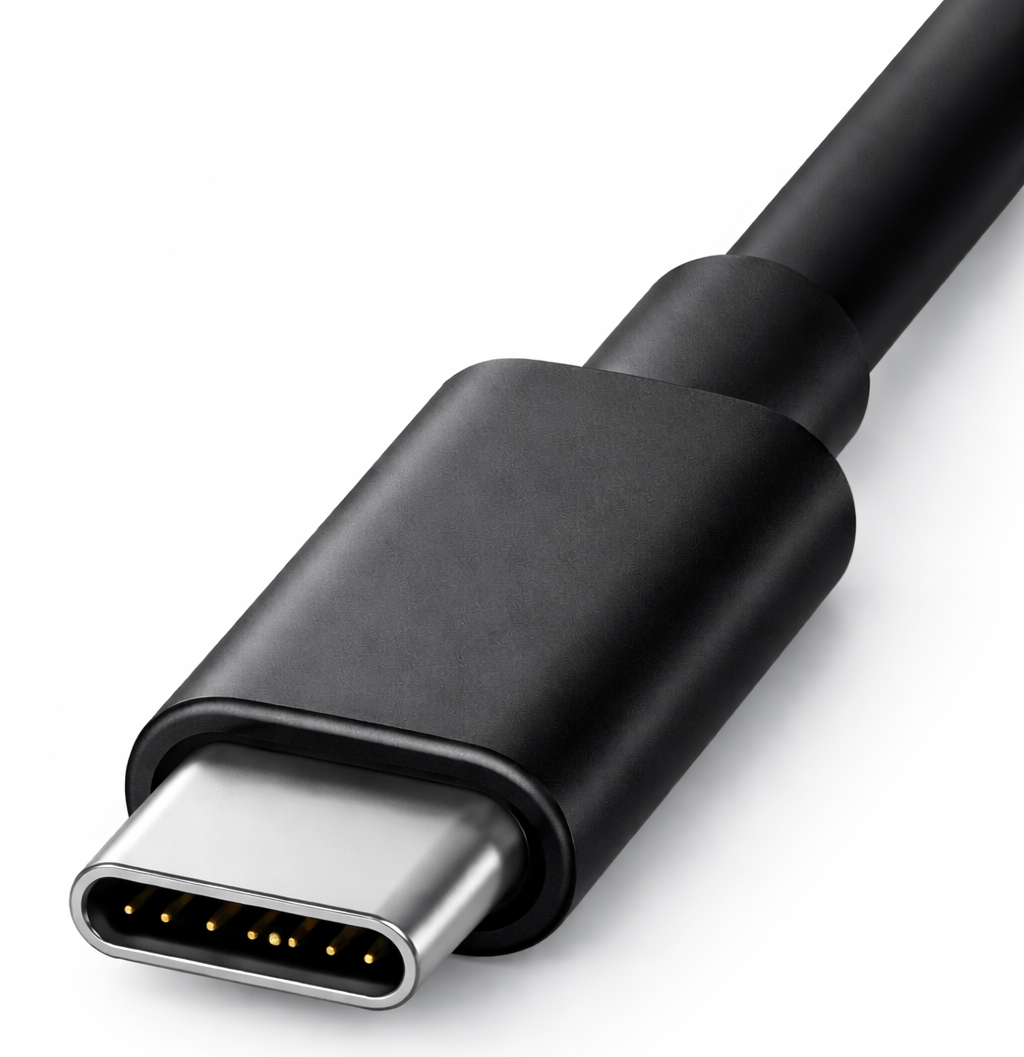
USB-C cables may support different standards such as:
- USB 2.0 (480Mbps)
- USB 3.2 Gen 1 (5Gbps)
- USB 3.2 Gen 2 (10Gbps)
- USB4 (up to 40Gbps)
- USB4 v2 (80-120 Gbps)
Some USB-C cables only support charging, while others support full data and video transmission.
Because of this variation, two USB-C cables may look identical but perform very differently.
Thunderbolt vs USB-C Comparison
The key takeaway:
USB-C is the connector. Thunderbolt is the technology.
FAQ
Is Thunderbolt the same as USB-C?
No. USB-C is the connector type, while Thunderbolt is a high-performance interface technology that uses the USB-C connector.
Are USB-C cables compatible with Thunderbolt ports?
Yes. Thunderbolt USB-C ports on computers support all USB-C cables and USB devices (USB4, USB 3.2, USB 3.1, USB 3.0, and USB 2.0). Performance will operate at the maximum speed supported by the cable and device.
However, some Thunderbolt ports on peripherals may only support Thunderbolt devices.
Do You Actually Need a Thunderbolt Cable?
Not always. Many computers have Thunderbolt or USB4 ports, but many connected devices still operate at USB 2.0 or USB 3.2 speeds.
In those cases, you may only need a USB 2.0 or USB 3.2 cable, even if the computer’s port is labeled Thunderbolt.
In most applications, the determining factor is the device’s required data protocol and bandwidth, not just the host port on the computer.
Can USB-C cables support Thunderbolt speeds?
Only high-performance USB-C cables such as USB4 cables can support speeds up to 80Gbps. Standard USB-C cables may only support lower speeds like 5Gbps or 10Gbps.
What is the difference between active and passive USB4 cables?
Passive cables perform best at shorter lengths. Active cables contain built-in signal conditioning electronics to maintain high-speed performance over longer distances.
Are all USB-C cables 80Gbps?
No. Many USB-C cables only support 5Gbps or 10Gbps. Only USB4 and Thunderbolt cables support speeds up to 80Gbps.
Can Thunderbolt cables work with regular USB devices?
Yes. Thunderbolt cables are backward compatible with USB devices and will operate at the supported USB speed.
How do I choose the right USB-C or Thunderbolt cable?
Consider:
- Required data speed
- Cable length
- Power delivery requirements
- Device compatibility
Choosing a certified USB4 cable is typically the safest option for maximum compatibility and performance.
Shop USB-C Cables for Your Application
Not every device connected to a Thunderbolt or USB4 host port requires a Thunderbolt cable. In many cases, the right solution is a high-quality USB-C cable matched to your device’s required data speed, power delivery, and application needs.
NTC Distributing offers professional-grade USB-C cables for a wide range of high-performance data transmission, including USB4, USB 3.2, USB 2.0, etc.