
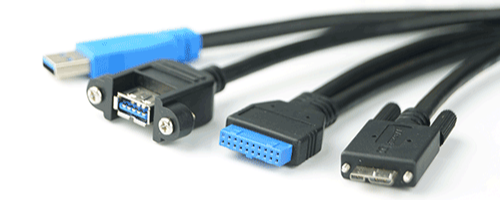
USB Connector Types Explained: USB-A, USB-B, USB-C
Posted by Newnex on Mar 13th 2026
USB connectors come in many shapes and sizes, each designed for different devices and applications. From classic USB-A ports found on computers to modern USB-C connectors used in high-speed devices, understanding the differences between connector types and USB versions can help you select the right cable.
USB technology has evolved across several generations — from USB 1.1 (12 Mbps) to USB 2.0 (480 Mbps), USB 3.x (5–20 Gbps), and USB4 (up to 40 Gbps). While the connector shape identifies the physical interface, the USB version determines the data speed and power capabilities.
Below is a quick guide to the most common USB connector types used today.
USB-C
USB-C is the newest and most versatile USB connector standard. Unlike earlier connectors, USB-C is reversible, meaning it can be plugged in either orientation.
USB-C supports several modern USB versions including USB 3.2 (up to 20 Gbps) and USB4 (up to 40 Gbps). It can also support advanced features such as Power Delivery (up to 240W) and DisplayPort video output.
| Connector | Image | USB Version | Max Speed |
|---|---|---|---|
| USB-C | 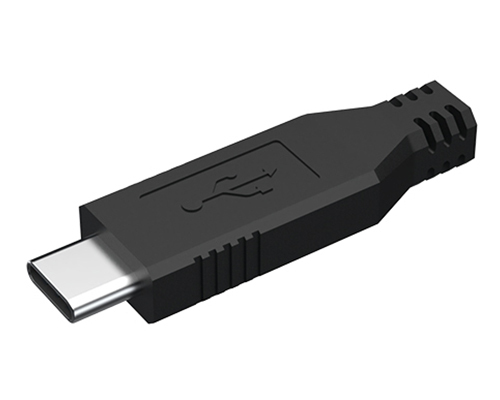 |
USB 2.0 | 480 Mbps |
| USB-C | 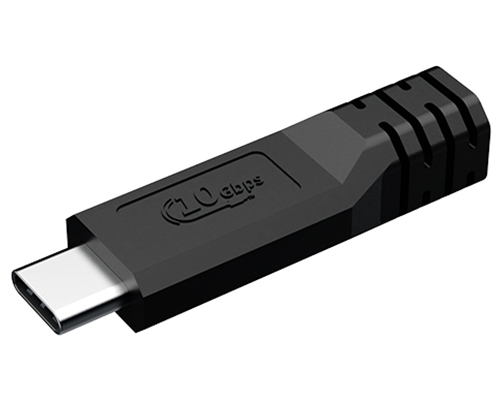 |
USB 3.2 Gen 2 | Up to 20 Gbps |
| USB-C | 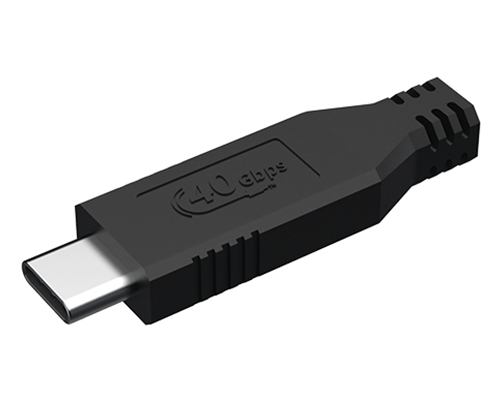 |
USB4 | Up to 40 Gbps |
Because of its flexibility and performance, USB-C is rapidly becoming the universal connector for laptops, smartphones, docking stations, and high-performance peripherals.
- Modern laptops and smartphones
- Docking stations and monitors
- High-speed storage devices
- Charging and power delivery applications
USB-A (Standard USB Connector)
USB-A is the most recognizable USB connector and is commonly found on desktop computers, laptops, chargers, and USB hubs. It typically connects host devices such as computers to peripherals like keyboards, flash drives, and external storage devices.
| Connector | Image | USB Version | Max Speed |
|---|---|---|---|
| USB Type-A | 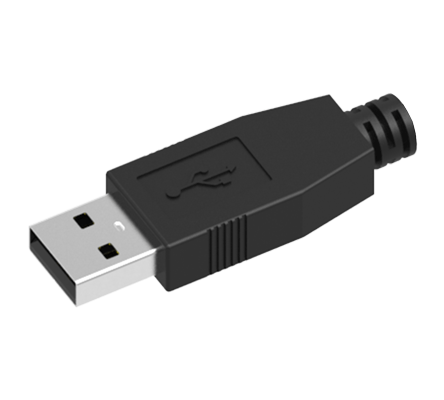 |
USB 2.0 | 480 Mbps |
| USB Type-A | 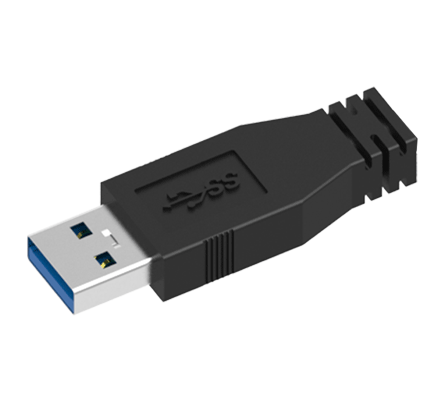 |
USB 3.0 / USB 3.2 Gen 1 | 5 Gbps |
| USB Type-A (Female) | 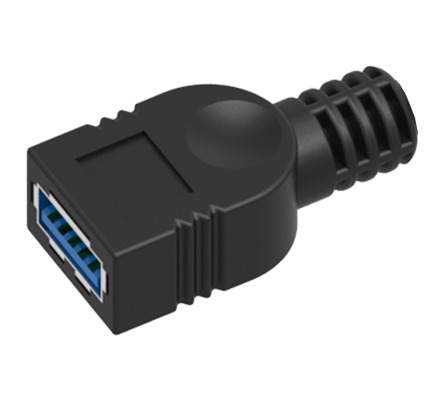 |
USB 3.2 Gen 2 | Up to 10 Gbps |
USB-A connectors support several USB versions depending on the cable and device. Older connectors support USB 1.1 and USB 2.0, while newer blue USB-A ports often support USB 3.0 / USB 3.2 Gen 1 (5 Gbps) and sometimes USB 3.2 Gen 2 (up to 10 Gbps).
- Desktop and laptop USB ports
- USB hubs and docking stations
- Flash drives and external storage
- Peripheral devices such as keyboards and mice
USB-B
USB-B connectors are typically used on larger peripheral devices such as printers, scanners, and industrial equipment. The connector features a square shape with slightly beveled corners, making it easy to identify.
| Connector | Image | USB Version | Max Speed |
|---|---|---|---|
| USB Type-B | 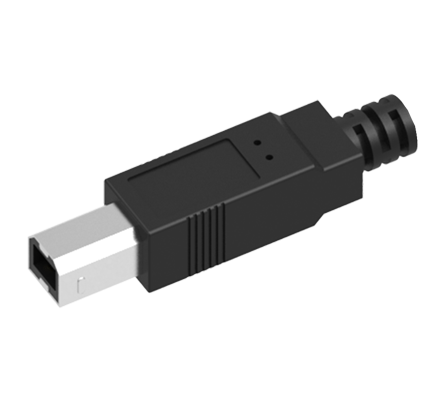 |
USB 2.0 | 480 Mbps |
| USB Type-B (Extended) | 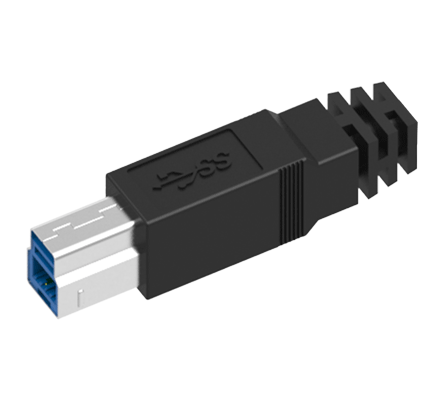 |
USB 3.0 / USB 3.2 Gen 1 | 5 Gbps |
| USB Type-B (Female) | 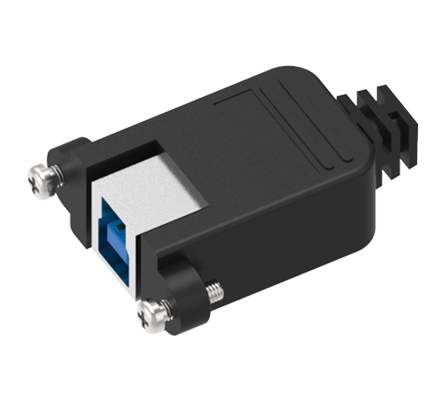 |
USB 3.0 / USB 3.2 Gen 1 | Up to 5 Gbps |
USB-B connectors were originally designed for USB 1.1 and USB 2.0 (480 Mbps) devices, but later versions were adapted to support USB 3.0 / USB 3.2 Gen 1 (5 Gbps) with an extended connector design.
- Printers and scanners
- Industrial equipment
- Audio interfaces
- External hardware devices
USB Mini-A
USB Mini-A connectors were introduced as part of the USB On-The-Go (OTG) specification. They allowed certain devices to act as the host device when connected to other peripherals.
Mini-A connectors were primarily designed to support USB 2.0 speeds up to 480 Mbps, though they were eventually replaced by smaller Micro-USB connectors.
| Connector | Image | USB Version | Max Speed |
|---|---|---|---|
| USB Mini-A | 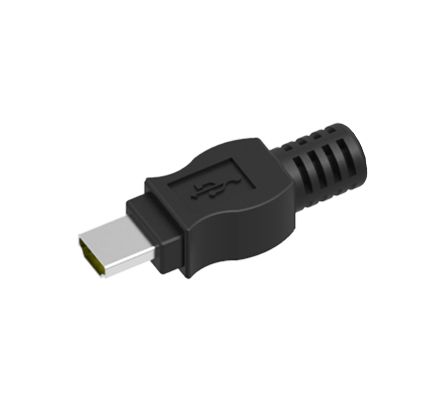 |
USB 2.0 | 480 Mbps |
Today, Mini-A connectors are rarely used but may still appear in certain embedded systems and legacy electronics.
- USB OTG devices
- Embedded hardware
- Early portable electronics
USB Mini-B
USB Mini-B connectors were widely used in portable electronics during the early 2000s before Micro-USB became the industry standard.
| Connector | Image | USB Version | Max Speed |
|---|---|---|---|
| USB Mini-B (Male) | 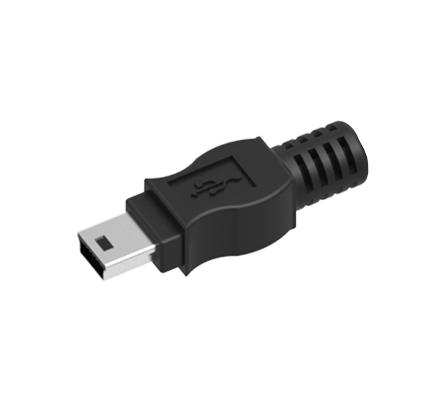 |
USB 2.0 | 480 Mbps |
| USB Mini-B (Female) | 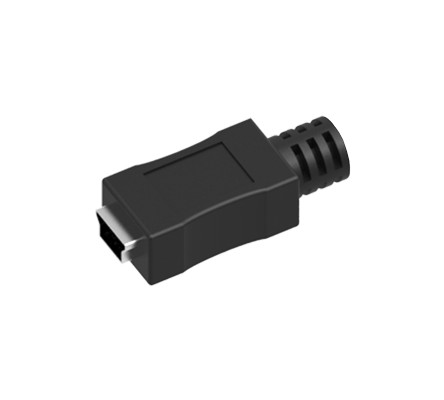 |
USB 2.0 | 480 Mbps |
Mini-B connectors typically support USB 2.0 (480 Mbps) and were commonly used on digital cameras, MP3 players, and early external hard drives. Although newer devices have moved to USB-C, Mini-B cables are still required for many legacy devices and industrial systems.
- Digital cameras
- GPS devices
- MP3 players
- Industrial electronics
USB Micro-A
USB Micro-A connectors were designed for mobile devices supporting USB On-The-Go functionality, allowing devices to act as both host and peripheral.
| Connector | Image | USB Version | Max Speed |
|---|---|---|---|
| USB Micro-A | 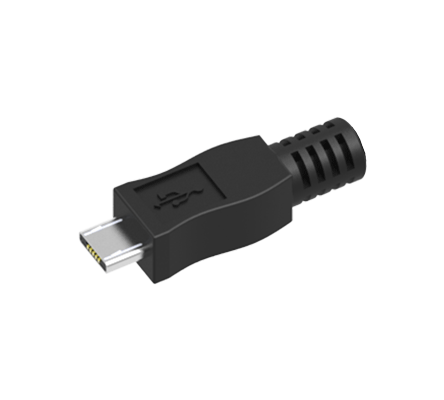 |
USB 2.0 | 480 Mbps |
Like other Micro-USB connectors, Micro-A was designed for USB 2.0 speeds (480 Mbps). However, Micro-A connectors are rarely used today and were quickly overshadowed by Micro-B connectors.
- USB OTG devices
- Embedded electronics
- Specialized hardware applications
USB Micro-B
USB Micro-B connectors became the standard connector for smartphones and portable electronics for many years before the introduction of USB-C.
Most Micro-B connectors support USB 2.0 (480 Mbps), while a larger version of the connector was later introduced to support USB 3.0 speeds up to 5 Gbps, commonly used on external hard drives.
| Connector | Image | USB Version | Max Speed |
|---|---|---|---|
| USB Micro-B (Male) | 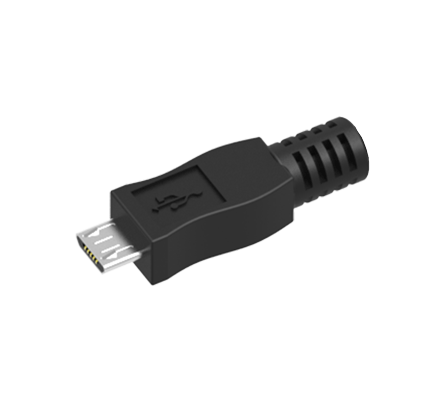 |
USB 2.0 | 480 Mbps |
| USB Micro-B (USB 3.0) | 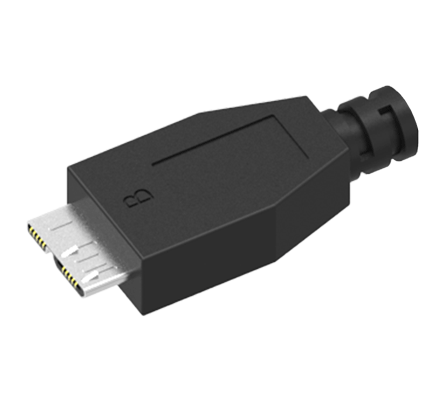 |
USB 3.0 / USB 3.2 Gen 1 | 5 Gbps |
| USB Micro-B (Female) | 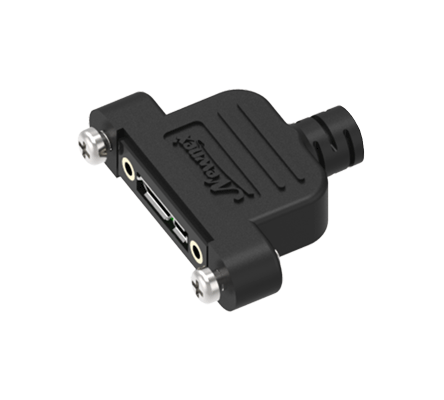 |
USB 3.0 / USB 3.2 Gen 1 | 5 Gbps |
Although many modern devices have transitioned to USB-C, Micro-B cables remain widely used in cameras, embedded systems, and industrial devices.
- Android smartphones (older models)
- Cameras and camcorders
- Development boards
- Embedded systems
Internal USB Headers
Internal USB headers connect USB ports located on the front panel of a computer case directly to the motherboard. These connectors allow additional USB ports to be accessible without occupying external ports.
Most motherboards include headers supporting USB 2.0 (480 Mbps), USB 3.0 / USB 3.2 Gen 1 (5 Gbps), and newer USB-C front panel headers supporting USB 3.2 Gen 2 (10 Gbps) or higher.
| Connector | Image | USB Version | Max Speed |
|---|---|---|---|
| USB 3.0 Internal Header (19-pin) | 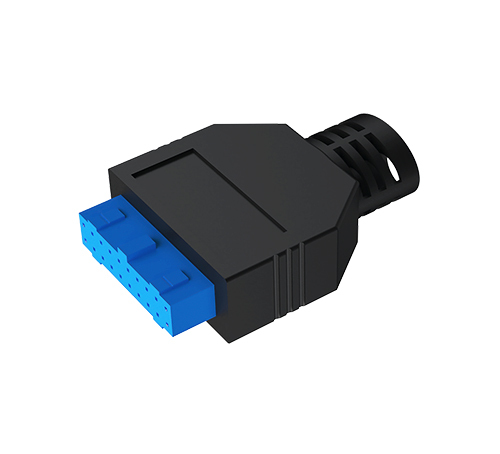 |
USB 3.0 / USB 3.2 Gen 1 | 5 Gbps |
| USB 3.1 / 3.2 Type-E Header | 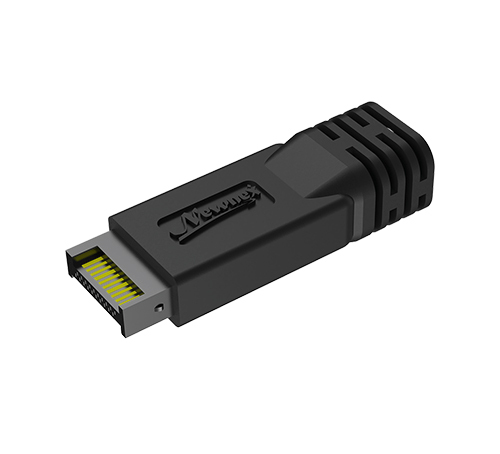 |
USB 3.2 Gen 2 | 10 Gbps |
Internal USB headers are commonly used in PC builds and industrial systems where internal connectivity is required.
- PC front-panel USB ports
- Internal card readers
- RGB controllers and cooling systems
- Custom computer builds
Find the Right USB Cable for Your Application
Selecting the right USB cable goes beyond connector type — factors like data speed, power requirements, cable length, and environmental conditions all impact performance. With over 30 years of experience in USB connectivity solutions, Newnex helps engineers, IT professionals, and system integrators select reliable, high-performance cables for demanding applications. If you're unsure which USB solution fits your needs, our team is available to help.