USB-C Cable
Shop Newnex USB-C cables at NTC for high-performance connectivity in industrial automation, computer vision, external storage, and professional AV systems. Whether you need a USB-C to USB-C cable or a connection to USB-A, Type-B, or Micro-B equipment, our selection emphasizes high-speed USB data performance across versatile cable configurations.
Explore USB4, USB 3.2, and USB 2.0 cables with data rates up to 80Gbps, including high-performance USB-C to USB-C cables supporting USB 3.2 Gen 2x2 at 20Gbps for bandwidth-intensive applications. Select models also support DisplayPort Alternate Mode (DP Alt Mode) for video and USB Power Delivery (PD) up to 240W. Data speed, video support, and power capability vary by model, so you can choose the cable that matches your system’s requirements.
Find the Best USB-C Cables for Your Needs
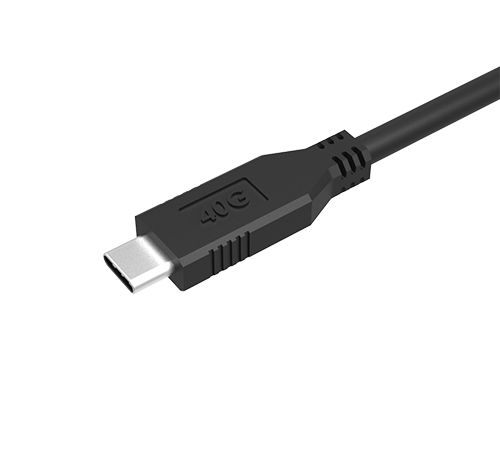
High-Speed Data Transfer Choose USB 3.2 Gen 2x2 cables for 20Gbps data transfer or USB4 cables supporting up to 80Gbps for demanding industrial and professional applications.
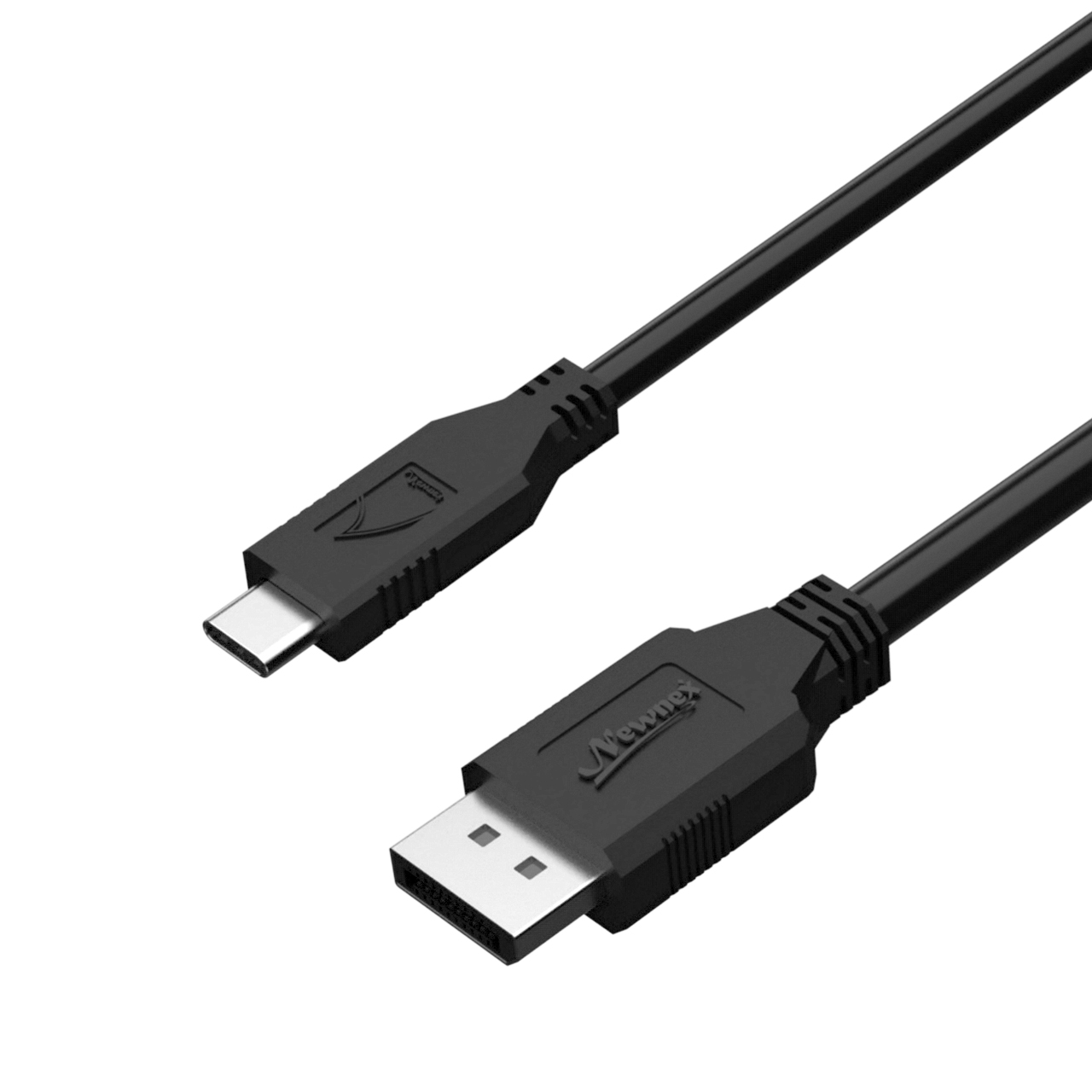
DisplayPort Alt Mode Video Support Select USB-C to USB-C cables support DP Alt Mode for connecting compatible computers, monitors, and docking stations.
Right Angle USB-C Cables Our right angle USB-C cables feature a compact, low-profile connector design for tight spaces, with optimized signal integrity to maintain the same high-speed data performance as straight-connector cables.
Power Delivery Up to 240W Power and charge compatible laptops and other high-power devices with USB-C PD cables rated for your requirements.
Industrial-Grade Durability Rugged cable options support reliable connectivity in demanding industrial and professional environments.
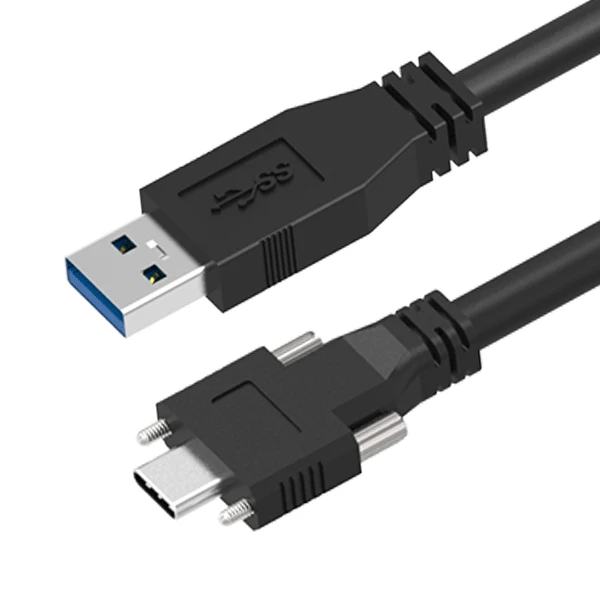
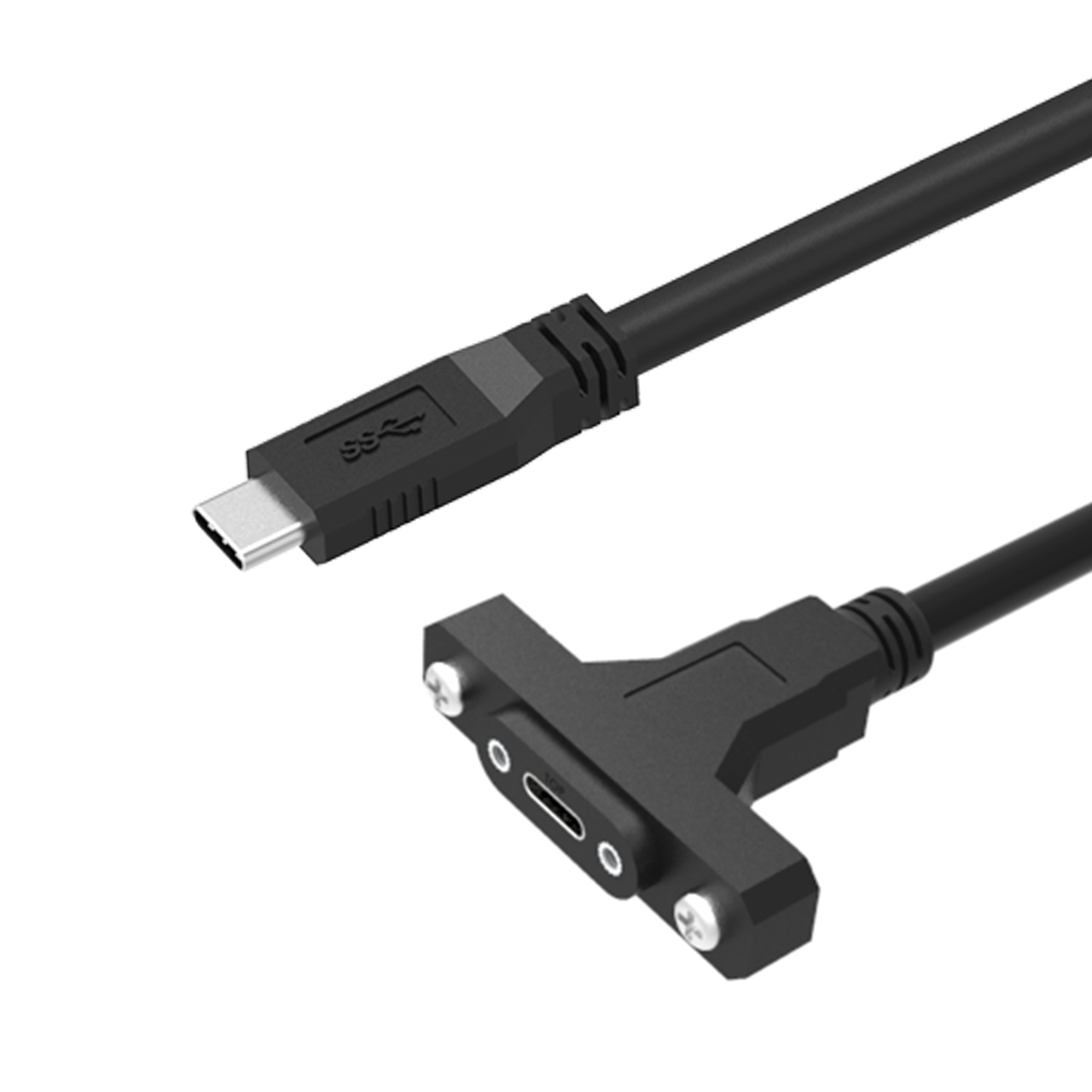
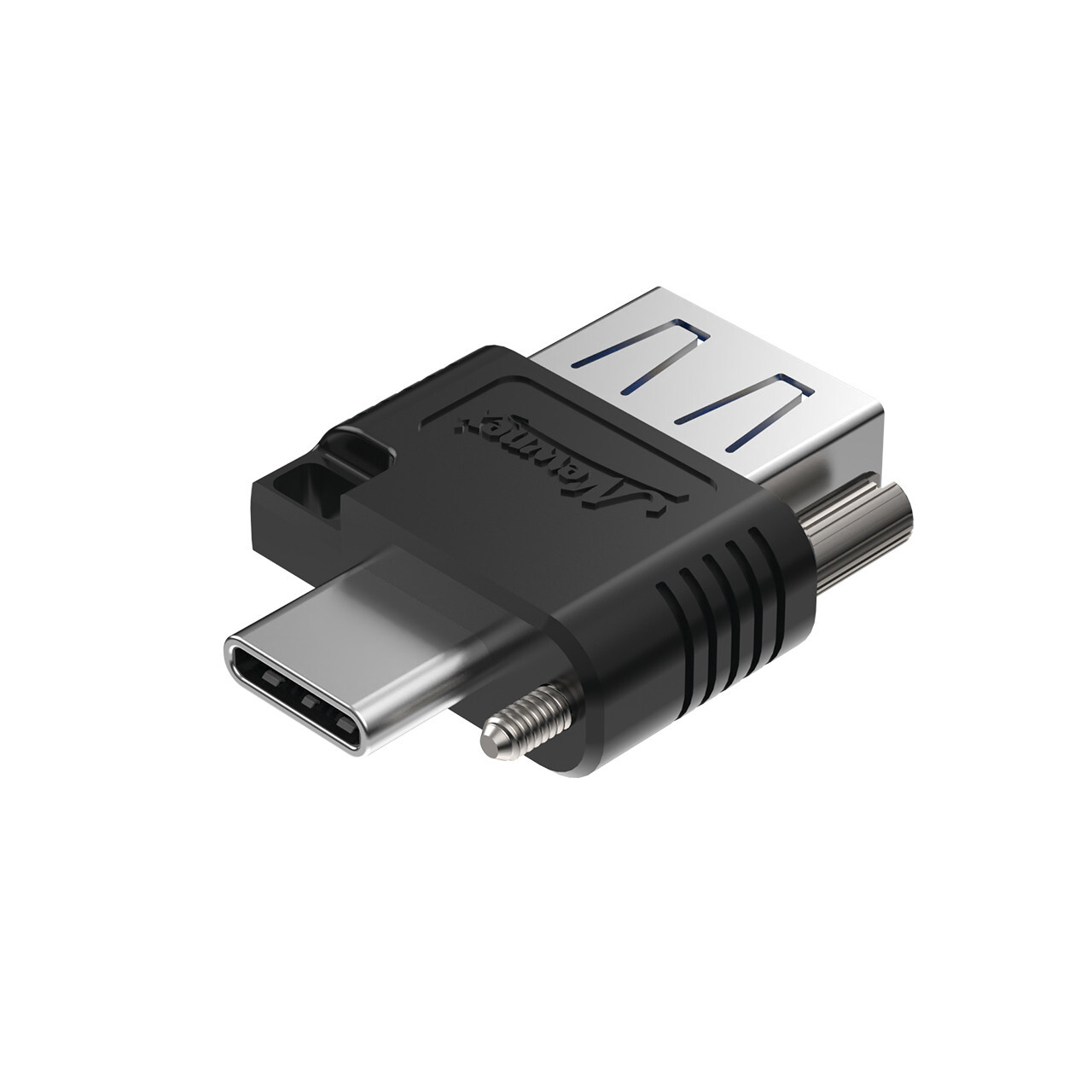
Versatile Configurations Available in USB-C to USB-C, USB-A to USB-C, USB-C to Micro-B, and USB-C to Type-B configurations.
Frequently Asked Questions
Do all USB-C cables run at the same speed? No. USB-C describes the connector, not the data speed. USB-C cables may support USB 2.0 at 480 Mbps, USB 3.2 at 5, 10, or 20 Gbps, or USB4 at 40 Gbps and beyond. Always check the cable's rated data speed to make sure it matches your host and device.
How much power can a USB-C cable deliver? Power capability depends on the cable configurations. USB-C to USB-C cables can support USB Power Delivery at 60W, 100W, or up to 240W EPR, depending on the cable rating. For USB-A to USB-C or other USB-C to legacy connector cables, power is generally limited to 5V/3A (15W). Always check the specifications of a cable's rated power before use.
Can a USB-C cable deliver video? Yes, but only certain USB-C cable types support DisplayPort Alt Mode to deliver video. USB 3.2 USB-C to USB-C cables and USB4 cables can support DisplayPort Alt Mode when they are designed as full-featured cables. USB 2.0 USB-C cables and USB-A to USB-C cables do not support DisplayPort Alt Mode. Always check the cable specifications for video support.
What is an e-marker chip in a USB-C cable? An e-marker is a chip used in certain USB-C to USB-C cables to identify the cable's power and data capabilities. It is required for 5A cables supporting more than 60W and for high-speed cables such as USB4. Standard 60W USB-C cables do not require an e-marker for power delivery.
Are locking USB-C cables available for industrial use? Yes. USB-IF defines standardized single-screw and dual-screw configurations in the USB Type-C® Locking Connector Specification, to which Newnex was one of primary contributors. Newnex locking USB-C cables are compatible to the USB Type-C® Locking Connector Specification.